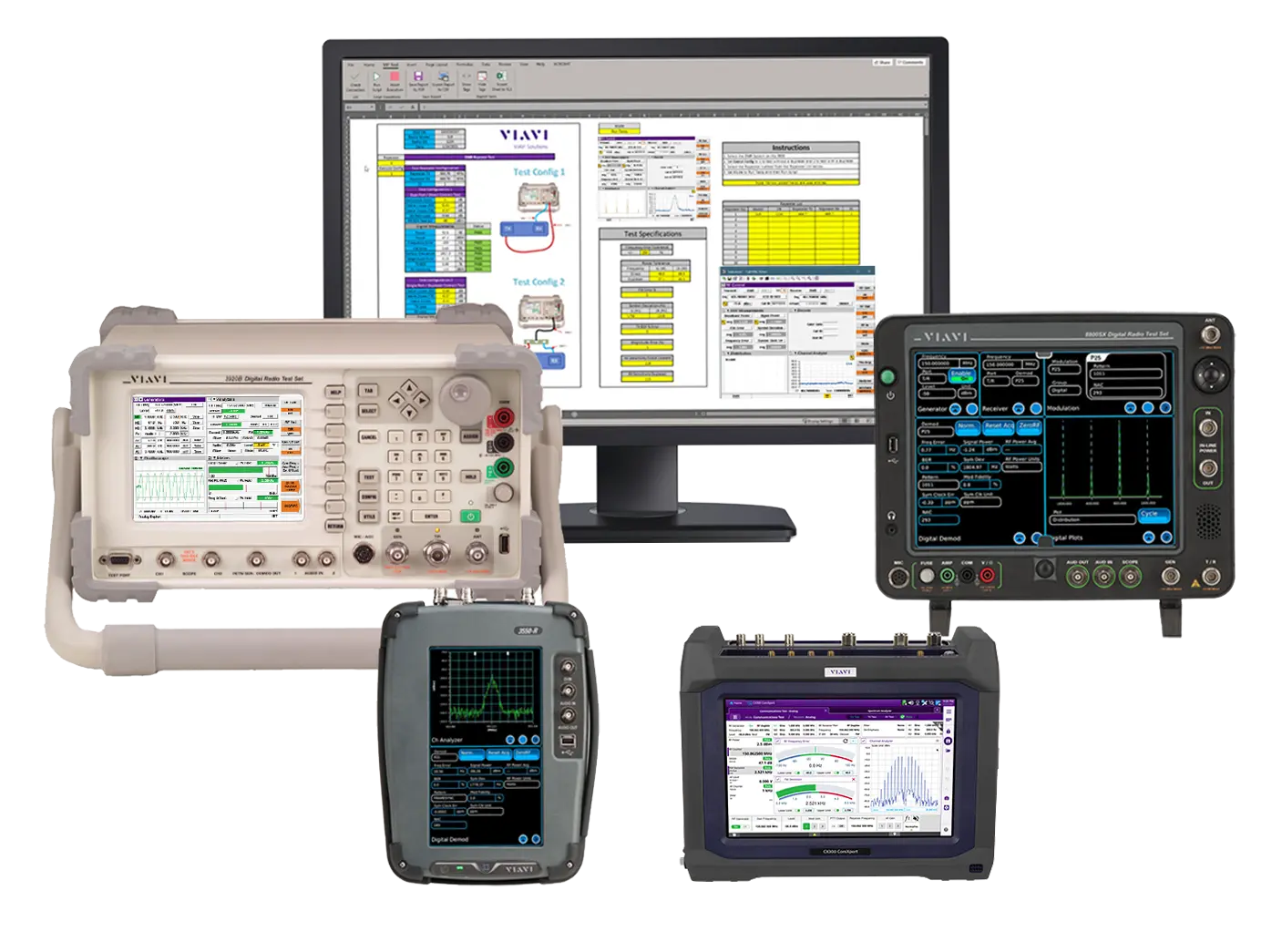
VIAVI Instrument Programming Tool (VIP Tool) Excel-Based Test Automation Software for Radio Test Sets
Excel-based software for building automated test scripts and reports on VIAVI 3550, 3920 and 8800 Series radio test sets, with no programming experience needed.
- Operating System
- Windows 7, Windows 10
- Microsoft Excel
- Version 2010 or newer (64-bit, 32-bit)
Overview
The VIAVI Instrument Programming Tool (VIP Tool) is software for creating custom automated test procedures on VIAVI radio test sets. It is aimed at technicians of all skill levels and does not require prior programming or software development experience to write test scripts.
Traditional instrument programming typically involves downloading and installing drivers, running configuration programs, installing scripting language tools and defining custom data formats, with limited graphical reporting unless additional software is installed. The VIP Tool removes these steps by running within Microsoft Excel, with no software or driver installation required on Windows computers that have Excel.
Scripting
Scripts can range from simple to complex. Keywords such as call and run help organize a script, and the graphical user interface allows a script to be started and stopped at any point. The VIAVI Instrument Programming Language supports program decisions based on conditional statements, repetitive tasks through looping, and generation of formatted test reports. Built-in error checking and debugging capabilities help troubleshoot scripts.
Reporting
Test results can be exported as reports with supporting graphics, such as Channel Analyzer and Distribution plots, using the graphing and formatting capabilities of Excel. Trace data can be plotted for graphical viewing and inclusion in reports.
Key Features
- Automates in-house tests to save time
- No prior programming experience needed
- Zero software or driver installation required on Windows computers with Microsoft Excel
- Build custom scripts and export results
- Built-in error checking with debugging capabilities for troubleshooting scripts
- Plot trace data for graphical viewing and inclusion in reports
- Keywords such as call and run to organize scripts
- Start and stop a script at any point from the graphical user interface
- Conditional statements and looping via the VIAVI Instrument Programming Language
- Formatted test reports with Channel Analyzer and Distribution plots
Specifications
| Operating System | Windows 7, Windows 10 |
|---|---|
| Microsoft Excel | Version 2010 or newer (64-bit, 32-bit) |
|
3550 Series
3550-VIP-TOOL
|
Ethernet
Network connection
|
|---|---|
|
3920 Series
3920-VIP-TOOL
|
Ethernet
Network connection
|
|
8800 Series
8800-VIP-TOOL
|
Ethernet
Network connection
|
| Plot types | Spectrum / Channel / Audio Analyzer Plots; Oscilloscope Plots; Distribution Plots; Constellation Plots; Power over Time Plots |
|---|
| Report formats | PDF, CSV |
|---|
Specifications are taken from the manufacturer's documentation. See the datasheet for complete and current values.
Applications
- Automated radio test procedures
- Land mobile radio test and maintenance
- Remote control of radio test sets
- Test report generation
Options & Accessories
| Option | Description |
|---|---|
| 3550-VIP-TOOL | VIP Tool for the 3550 Series — Order number 3550OPT847 |
| 3920-VIP-TOOL | VIP Tool for the 3920 Series — Order number 390XOPT847 |
| 8800-VIP-TOOL | VIP Tool for the 8800 Series — Order number 8800OPT847 |
Documents & Resources
Related Products
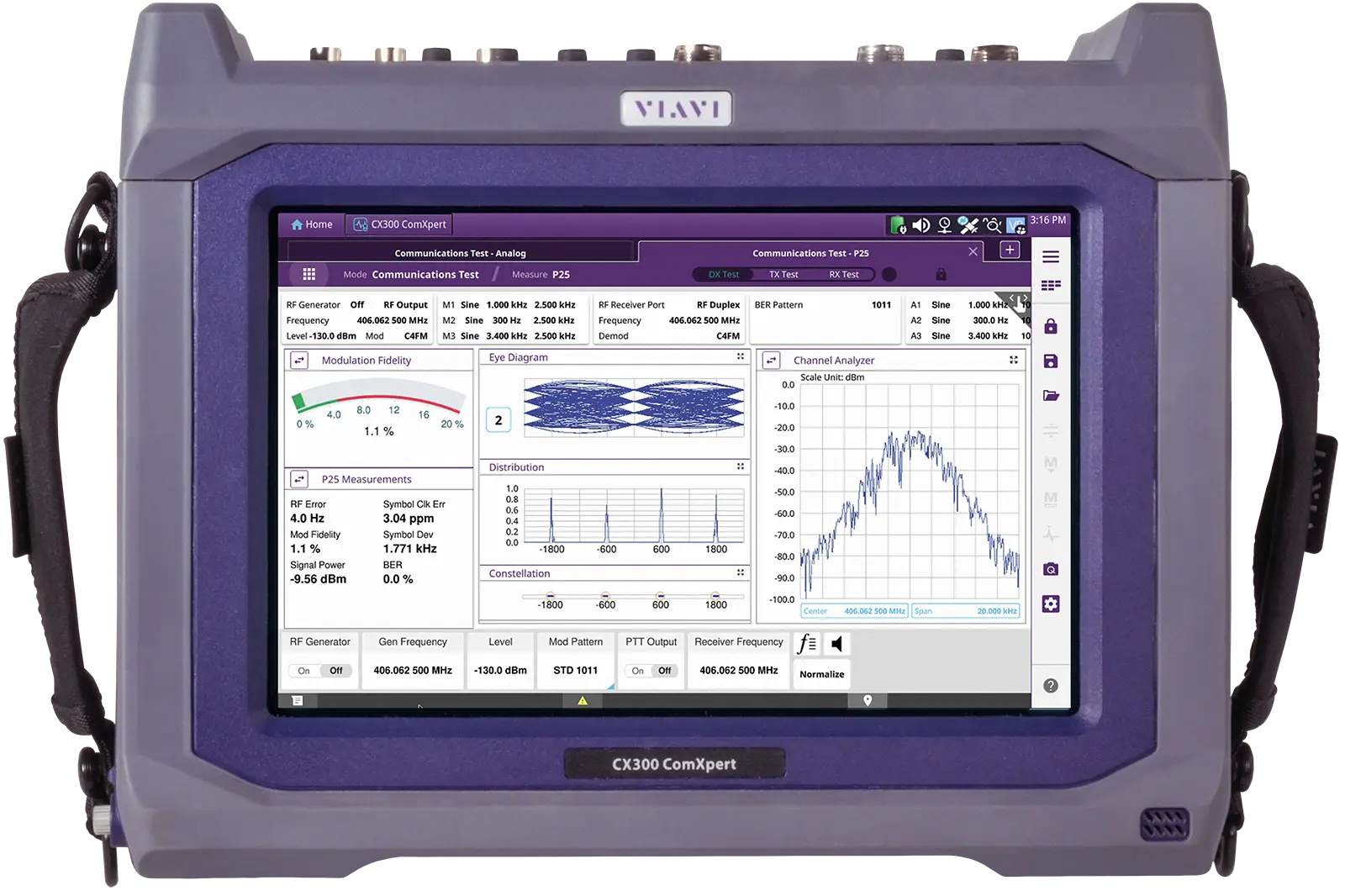
Portable communications service monitor for analog and digital radio testing from 100 kHz to 6 GHz, with optional Auto-Test alignment.
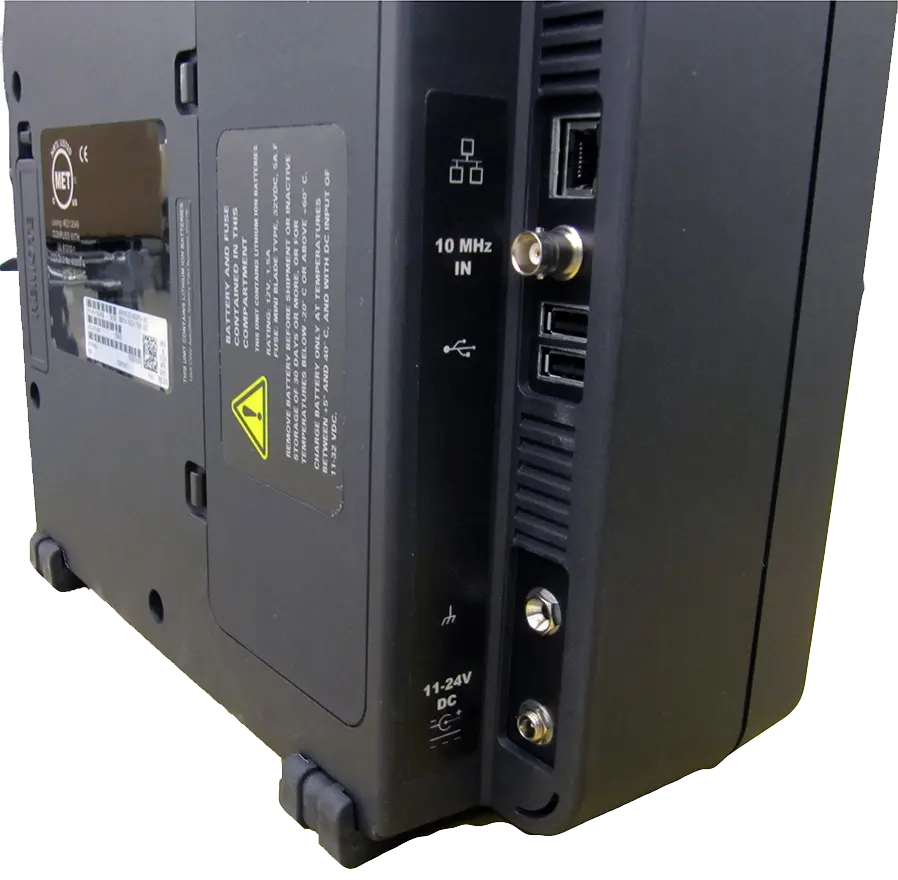
Hybrid bench and field test set for analog and digital land mobile radios, with a 1 GHz RF generator and receiver and a 12 in touch screen.