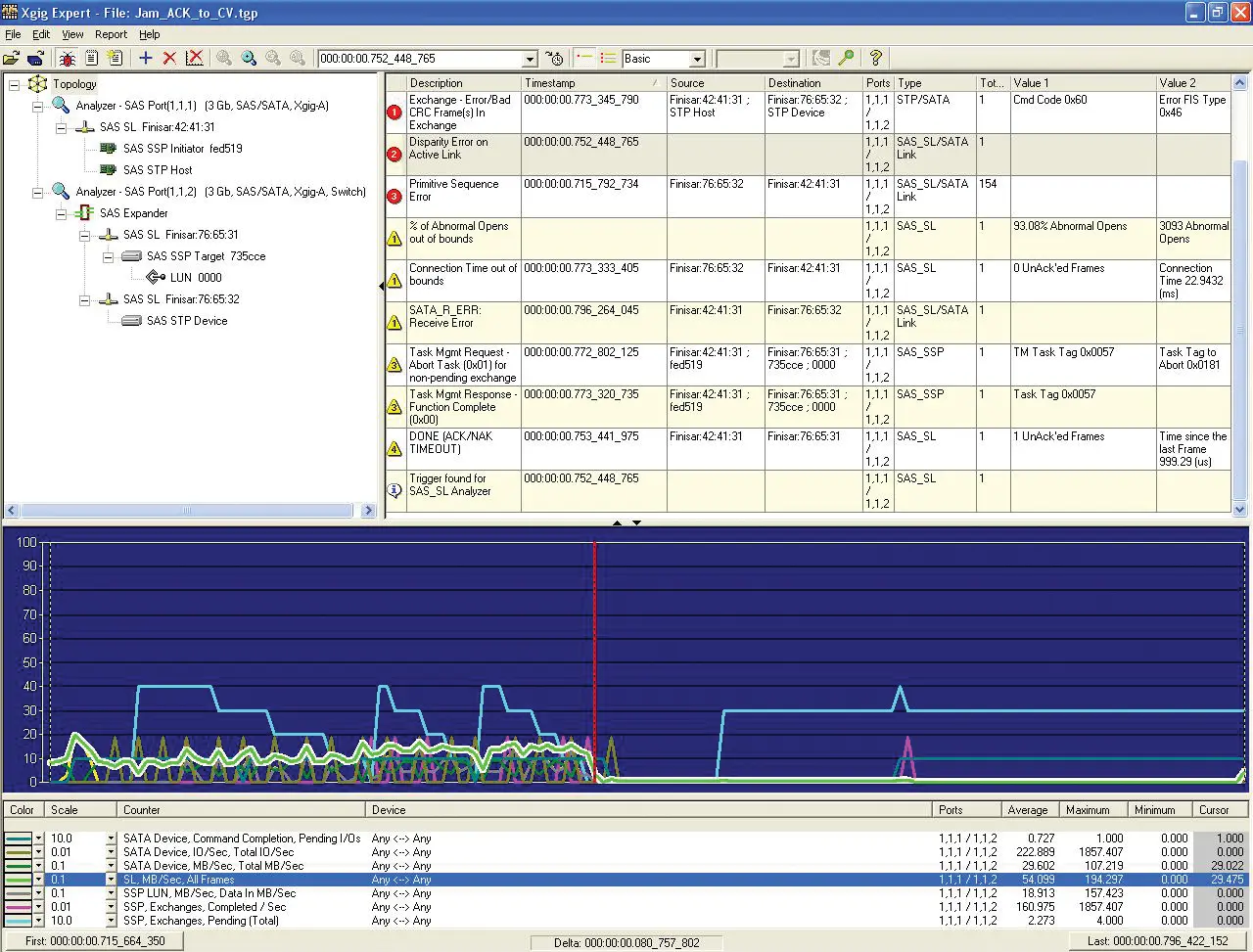
VIAVI Xgig Expert Protocol Analysis and Reporting Software for Xgig Analyzers
Analysis software included with all Xgig Analyzers that automatically examines captured traces to find protocol, performance and physical-layer issues.
Overview
Xgig Expert is analysis software that comes standard with all VIAVI Xgig Analyzers. It provides debugging and analysis capabilities intended to speed up and simplify device development and troubleshooting.
Expert analyzes captured trace data automatically, sorting through millions of events to find issues at the performance, upper-layer protocol, logical and physical layers. These include protocol violations, interoperability problems, performance issues and erratic behavior. The software can track device activity across multiple analyzers and map network topologies automatically.
Report View
Report View is a table-based reporting tool built into Expert. It organizes the data collected by the Xgig Analysis and Test Platform so that developers can find and resolve network impairments without manually reviewing trace buffers. Report View compiles system overviews, creates standard and custom reports, compares results, tracks port pairs from multiple analyzers at the same time and offers advanced filtering. Reports can be exported in XML, HTML or CSV format for offline analysis.
Key Features
- Included as standard with all Xgig Analyzers
- Automatic analysis of captured trace data across millions of events
- Identifies performance, upper layer protocol, and logical and physical layer issues
- Detects protocol violations, interoperability problems and erratic behaviors
- Diagnoses system issues
- Identifies errors and warnings
- Tracks device activity across multiple analyzers
- Automatically maps network topologies
- Narrows down problem scenarios
- Organizes results with detailed reports
- Integrated Report View table-based reporting tool
- Compiles system overviews and current levels of performance and health
- Creates standard and custom reports
- Automated comparison capabilities
- Tracks port pairs from multiple analyzers simultaneously
- Advanced filtering capabilities
- Navigation through extensive trace buffers
- Exports reports in XML, HTML, or CSV
Applications
- Device development and debugging
- Network troubleshooting
- Protocol violation analysis
- Interoperability testing
- Network performance analysis
- Network topology mapping
Documents & Resources
Related Products
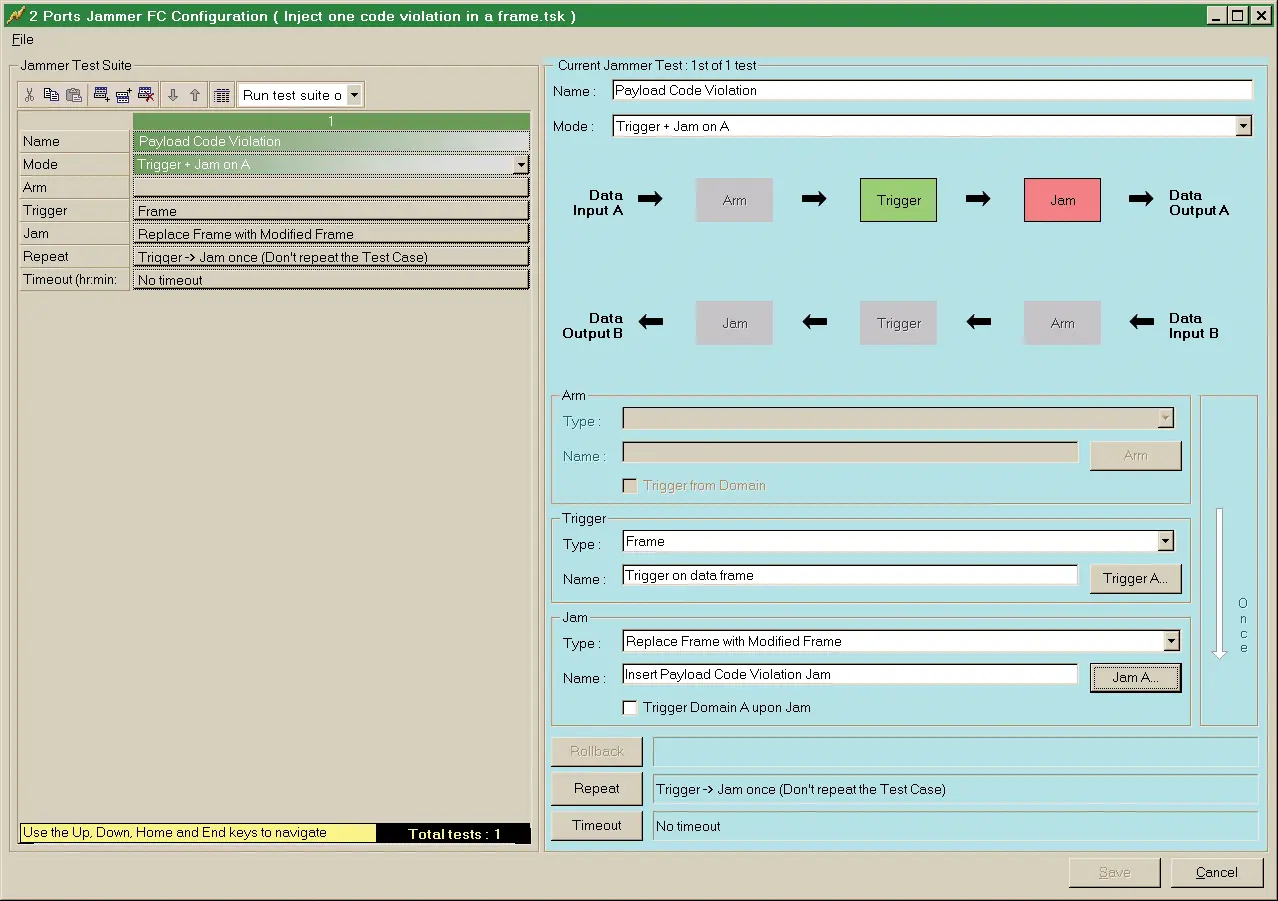
Licensable PCIe 5.0 error injection (jamming) function for Xgig 5P16 and 5P8 analysis chassis, supporting data rates to 32GTps and up to 16 lanes.
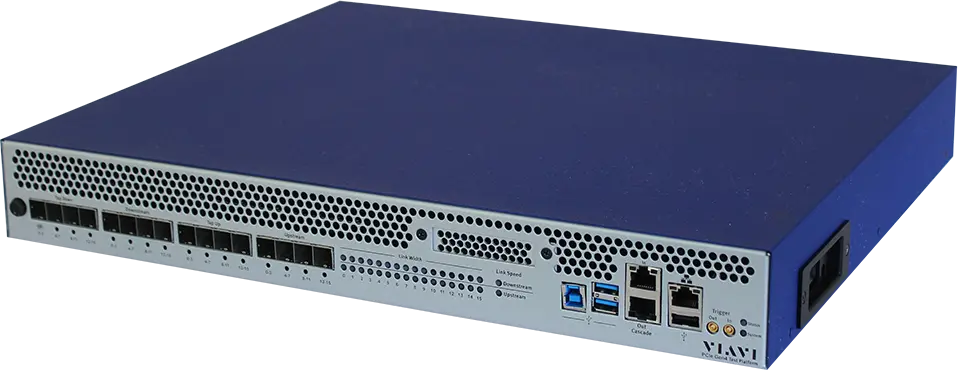
16-lane PCIe 4.0 protocol analyzer and jammer chassis with 128 GB capture memory, supporting link speeds up to 16 GT/s.