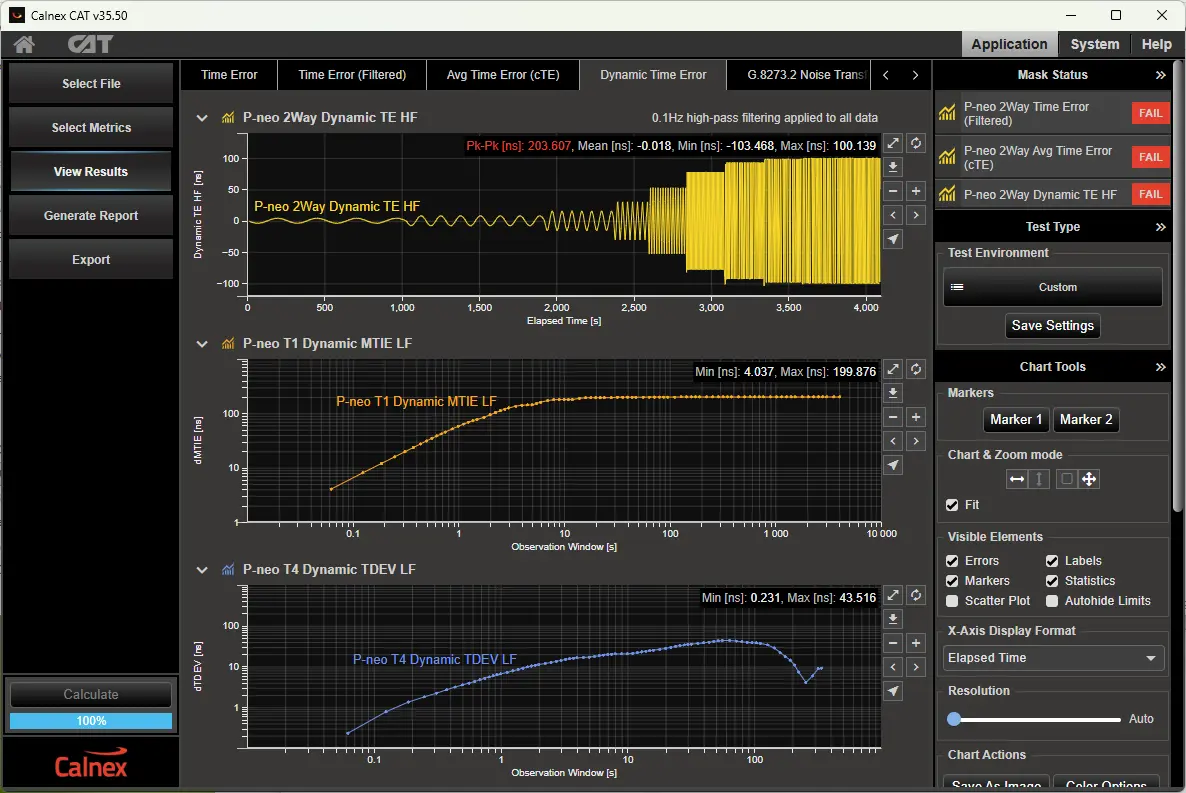
Calnex Analysis Tool (CAT) Network and Device Timing Analysis Software
Network and device timing analysis software that brings Paragon and Sentinel measurement results together for graphical analysis against ITU-T masks.
- Signals analyzed
- PTP, 1PPS, ToD and Frequency
- Metrics
- TE, cTE, dTE, PDV, TIE, MTIE, TDEV, MATIE, MAFE, FPP, FFO and many more ITU-T metrics
- Simultaneous graphs
- Sync, Delay Req, Round Trip and PDV
- Time error filtering
- Jitter, wander and constant components of time error
Overview
The Calnex Analysis Tool (CAT) is network and device analysis software. It collects measurement results in one place and presents them graphically for the characterization of network and device timing. Users can import both live and archived data.
CAT works with results from Calnex Paragon and Sentinel products. According to the datasheet, live measurements from Paragon can be viewed directly, and stored measurement data from Paragon, Sentinel or Sentry can be imported by drag and drop.
Analysis and metrics
The software evaluates Time Error and frequency/phase measurements, including TE, cTE, dTE, PDV, TIE, MTIE, TDEV, MATIE, MAFE, FPP, FFO and other ITU-T metrics. Sync, Delay Req, Round Trip and PDV graphs can be viewed at the same time. Filtering separates the jitter, wander and constant components of time error.
Masks and reporting
Pre-configured test environments compare results against industry-standard masks and limits and give a clear pass/fail result. Masks and limits can also be customized. Graphical reports can be generated and then downloaded or exported, and user-customized metrics and reports are available.
Key Features
- Brings results from Paragon and Sentinel products together in one place
- Imports live and archived measurement data
- Graphical characterization of network and device timing
- Customizable multi-graph window for selecting measurements for detailed analysis
- Evaluates TE, cTE, dTE, PDV, TIE, MTIE, TDEV, MATIE, MAFE, FPP, FFO and other ITU-T metrics
- Analyzes PTP, 1PPS, ToD and frequency
- Shows Sync, Delay Req, Round Trip and PDV graphs at the same time
- Filtering to view the jitter, wander and constant components of time error
- One-click metrics and masks for multiple industries
- Built-in industry masks with automatic pass/fail indication
- Precise threshold analysis for ITU-T compliance
- Customizable masks and limits
- User-customized metrics and reports
- Generates graphical reports that can be downloaded or exported
- Zoom for detailed inspection of data
- Drag-and-drop import of stored Paragon, Sentinel and Sentry data
Specifications
| Signals analyzed | PTP, 1PPS, ToD and Frequency |
|---|---|
| Metrics | TE, cTE, dTE, PDV, TIE, MTIE, TDEV, MATIE, MAFE, FPP, FFO and many more ITU-T metrics |
| Simultaneous graphs | Sync, Delay Req, Round Trip and PDV |
| Time error filtering | Jitter, wander and constant components of time error |
| Masks | Built-in industry standard masks and limits; customizable masks and limits |
| Pass/Fail | Automatic Pass/Fail |
| Live measurements | Paragon |
|---|---|
| Imported stored data |
Paragon, Sentinel or Sentry
Drag and drop import
|
| Compatible instruments | Paragon-neo, Paragon-x, Sentinel, Sentry |
| Reports | Generate and download, or export, graphical reports |
|---|
Specifications are taken from the manufacturer's documentation. See the datasheet for complete and current values.
Applications
- Network timing analysis
- Device timing characterization
- PTP time error analysis
- Packet delay variation analysis
- Frequency and phase wander analysis
- ITU-T compliance testing
Documents & Resources
Related Products
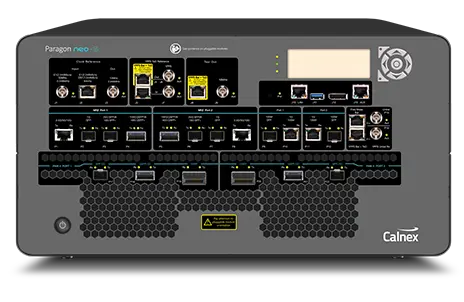
Synchronization test solution for PTP and SyncE testing on optical interfaces up to 800GbE, including PAM4 112G optical modules.
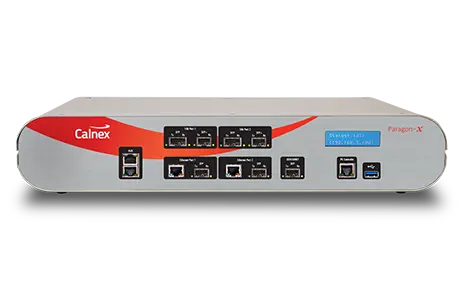
One-box tester for PTP (1588), SyncE, NTP, CES and Ethernet OAM synchronization at speeds up to 10GbE with 5 ns accuracy.
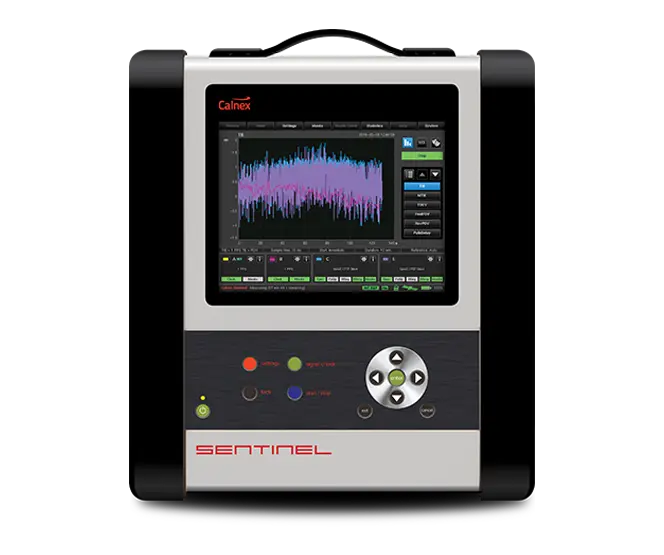
Portable sync analyzer that verifies phase, time and frequency synchronization over PTP, NTP, SyncE, 1PPS and 4G/5G Over-The-Air at up to 100G.